Follow these steps to change your Plesk account password.

1. Log in to your Plesk account.

2. Click on Account from the Sidebar Menu.
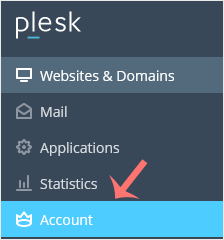
plesk-click-on-account-client.gif

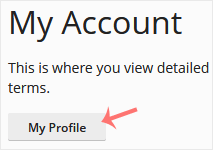
3. Click on My Profile.

plesk-myprofile-client.gif

4. In the password field, enter your password or click Generate to generate one.
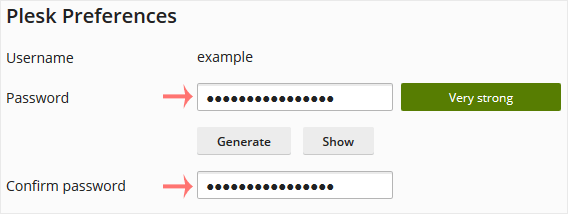
plesk-password-change-enter.gif

5. Click OK to confirm the changes.

You can now log in with the new password.

Share
War diese Antwort hilfreich? 0 Benutzer fanden dies hilfreich (0 Stimmen)

Beliebteste Artikel

How to Log in to Plesk

A tutorial on how to access the Plesk Control Panel. After you place an order and make a successful payment, you will receive a welcome email...